How to Start a WhatsApp Conversation from a Traffic Campaign
Content

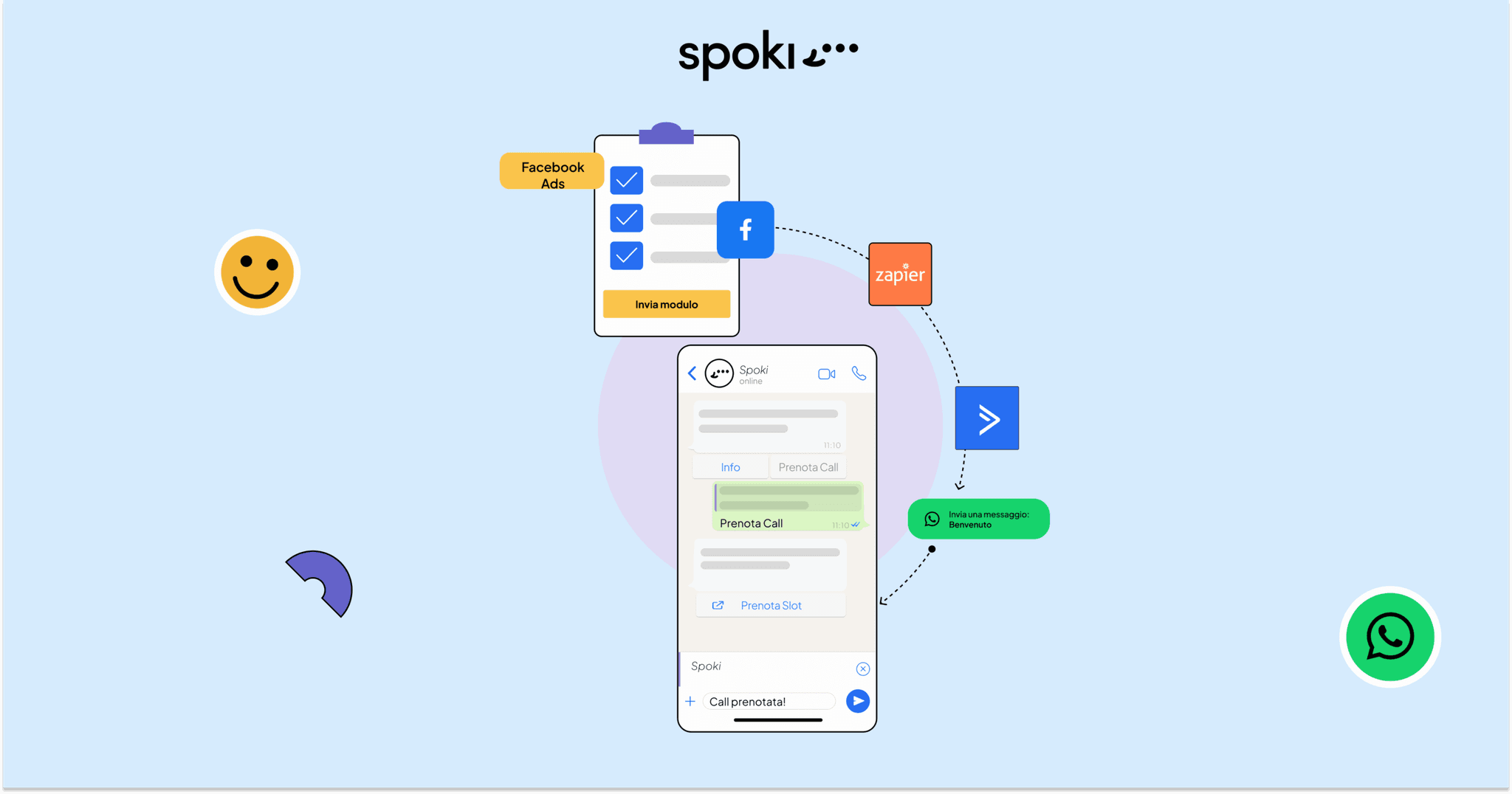
Have you ever thought about maximizing the potential of your Facebook Ads traffic campaigns? Today we want to share with you an innovative strategy that will allow you to intercept potential customers on Facebook and move the conversation to WhatsApp, taking advantage of a series of automations that will guide and support the user along the way.
But why should you consider this combination?
1) Amplified engagement of potential customers: By transitioning from Facebook to WhatsApp, you can establish a more personal and intimate connection with your potential customers. WhatsApp offers a quieter and more focused environment compared to Facebook, allowing for direct and targeted communication. This results in greater engagement and attention from your potential customers, increasing the chances of initiating meaningful conversations and providing them with relevant information.
2) Cost Reduction: Lead generation campaigns on Facebook often involve higher costs compared to other types of campaigns. By leveraging WhatsApp as a channel to engage potential customers, you can reach interested users at a lower cost, thereby optimizing your budget and maximizing your WhatsApp Marketing ROI Calculator">return on investment.
3) Increased conversions: By combining the interception of potential customers on Facebook with communication on WhatsApp, you can achieve a significant increase in conversions. WhatsApp offers the possibility to provide relevant information precisely during the moment of maximum attention on Facebook, creating a smooth path to guide potential customers along the acquisition process. This creates a more personalized and engaging experience, increasing the chances of turning potential customers into actual customers.
Let’s see how to implement this strategy.
Tools used:
- Facebook Ads: Traffic Campaigns – WhatsApp
- Spoki
1) Creating a Campaign on Facebook
We create a Facebook Ads campaign, with a traffic objective and select WhatsApp as the default destination.
Let’s add one or two creatives. Through a captivating copy, our goal will be to encourage users to interact directly with the company on WhatsApp by clicking on the “Chat with us” CTA. This option will allow potential customers to directly open a conversation on WhatsApp to obtain more information and personalized assistance.
NB: You can view and test the ad on your device by going to “Share” (currently only available on iOS).
By clicking on the “Chat with us” button, a pre-set WhatsApp conversation will start with the text “I saw this content on Facebook…” and a link.
We will use the pre-compiled text as a starting step (or trigger) to initiate a second automation.

2) Automation Creation on Spoki
We will use Spoki to create an automation that will facilitate the conversation process on WhatsApp. By using the ‘Customer Message’ trigger in Spoki, every time we receive a message containing exactly the text ‘I saw this content on Facebook…’, a response automation will be initiated. This response will contain text buttons offering three possible answers. Depending on the answer selected by the user, we can anticipate a series of further responses via a ‘ChatBot’. This will allow us to offer an even more personalized and engaging experience, guiding users through the conversation in a targeted way. Furthermore, we will have the possibility to use tags, assign the chat to a specific operator, add the contact to one or more lists, and provide templates with buttons containing links or phone numbers to encourage further actions by users.

This strategy lends itself very well in the initial phase of the contact acquisition process. In this phase, users are intrigued by the ad and ask for more information about the product/service offered.
It is still an initial phase, the user needs more information and insights. Creating a chatbot on WhatsApp will allow you to guide the user and provide them with information immediately. It is possible to include messages with multimedia content (Video, PDF, catalog) followed by buttons to book a call, or have a preview of the product.
Furthermore, we can schedule a WhatsApp message to be sent one day after the conversation is opened to remind the user of our offer.
If you need more technical details, you can take a look at this connecting Spoki to Facebook campaigns
Do you already use WhatsApp in communication with your customers?
What results have you obtained? Write to us in the comments if you like!
Do you want to integrate WhatsApp Marketing into your business?
Start with a free account on Spoki and start your first campaigns with 5 € of included credit.
Or contact us to build your winning strategy together. We are waiting for you!