Effective Communication on WhatsApp: What are Templates, Open Templates, and Free Messages?
Content

WhatsApp and Spoki offer versatile communication tools that can be adapted for different purposes, from marketing to sales and customer care. Understanding how and when to use free messages, template messages, and open templates allows companies to fully exploit the platform to improve customer engagement and optimize operational processes, developing their business on WhatsApp.
Types of Messages on WhatsApp
1. Free Messages
Free-form messages are those that can be sent within 24 hours of the customer’s last contact. These messages offer maximum flexibility and spontaneity, ideal for personalized, real-time communication.
Usage examples:
- Client support: A customer asks for details about a product, and the company responds with specific information.
- Order management: Real-time updates on an order in progress, such as delivery changes.
Learn more the chat guide and the message types guide.
2. Template Messages
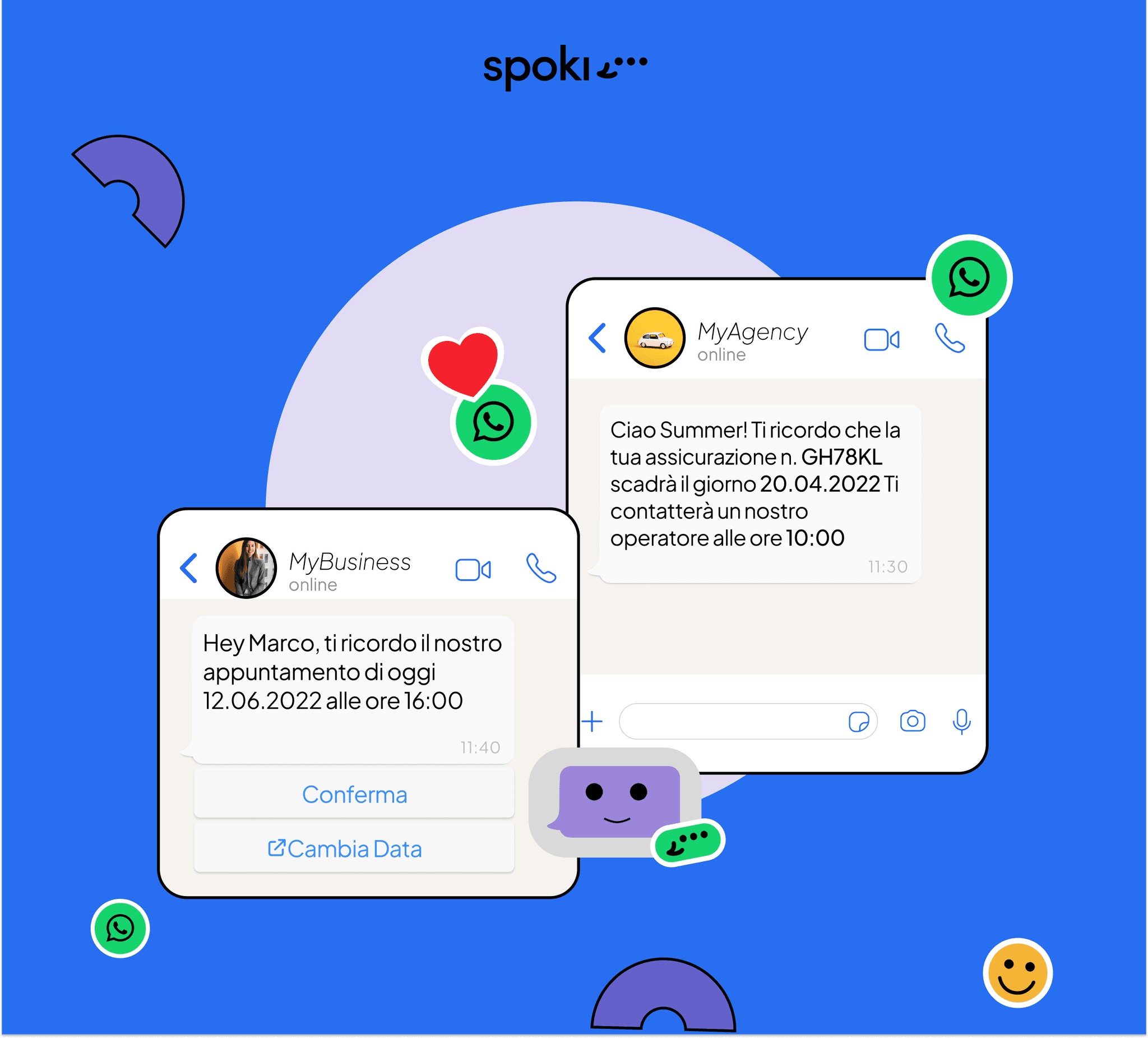
Template messages are pre-approved by WhatsApp and are required when there has been no interaction in the last 24 hours. They must be used to start a conversation or send important communications outside the free-form message window.
Template categories:
- Utility: Order confirmations, shipping notifications, or subscription changes.
- Marketing: Promotions, special offers, product updates, or events.
- Authentication: OTP codes to verify the customer’s identity.
Usage examples:
- Utility: Sending a template to confirm an appointment.
- Marketing: Notification of an upcoming sale or launch of a new product.
- Authentication: Sending an OTP code for secure login to the company’s website.
Procedure for creating and approving templates:
To create a new template, you need to fill in the fields required by WhatsApp, including the name, category, and message details. This process ensures that the contents comply with WhatsApp’s guidelines and do not violate current regulations.
Learn more the message templates guide.
3. Open Template
Open templates offer a middle ground between rigid templates and free-form messages, allowing you to insert a portion of personalized text before sending. These are particularly useful for responding to situations that require a certain degree of personalization but occur outside the 24-hour window.
Usage examples:
- Delayed response: A customer writes on Friday evening and the company responds on Monday using an open template to personalize the reply message.
Learn more the 24-hour reply window guide.
Considerations on Message Management
- Automations and Integration: By using response buttons and links, messages can trigger other automatic actions, such as newsletter subscriptions or order confirmations.
- Multilingual: Templates can be created in different languages to manage communications in multiple markets, improving the efficiency and relevance of messages.
Best Practices for Marketing on WhatsApp
- Personalization: Boost engagement by personalizing messages with dynamic fields like customer name.
- Consistency: Maintain consistency in your messages to build a reliable and professional brand image.
- Content Optimization: Ensure that messages are clear, direct, and visually appealing.
Effective Strategies for Sales and Communication on WhatsApp
- Campaigning: Use marketing templates for massive promotional campaigns.
- Engagement: Use open templates and free messages to maximize personalized interaction.
- Automation: Leverage the platform to automate responses and manage customer interactions more efficiently.
In conclusion, a thorough understanding of WhatsApp’s functionalities combined with those of Spoki, as well as their strategic use, can transform this channel into a powerful marketing and customer service tool. This allows companies to respond promptly and effectively to customer needs, increasing customer satisfaction and loyalty, and achieving the set business objectives.
Do you want to integrate WhatsApp Marketing into your business?
Start with a free account on Spoki and start your first campaigns with 5 € of included credit.
Or contact us to build your winning strategy together. We are waiting for you!