
Integrieren Sie WhatsApp mit ActiveCampaign für Marketing-Automatisierung
Massimizza l'efficacia di ogni messaggio con WhatsApp di Spoki.
1. Automazione dell'esperienza cliente personalizzata.
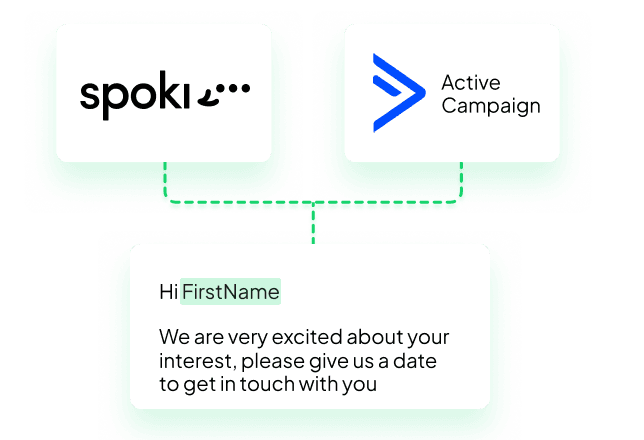
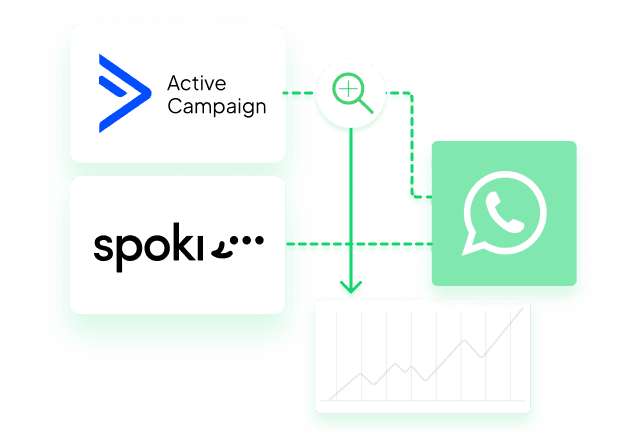
L'integrazione tra Spoki e ActiveCampaign automatizza e personalizza le comunicazioni su WhatsApp in base ai comportamenti dei clienti, rendendole tempestive e pertinenti.
2. Ottimizzazione di strategie Sales e Marketing.
Spoki e ActiveCampaign ti permettono di implementare strategie di vendita e marketing efficaci, garantendo follow‑up automatici e personalizzati su WhatsApp per un'attenzione costante a ogni cliente.
3. Maggiore efficienza e produttività.
Spoki e ActiveCampaign ottimizzano le operazioni eliminando attività manuali ripetitive e permettendo ai team di concentrarsi su attività a maggior valore, aumentando l'efficienza.
4. Miglioramento dell'engagement e della loyalty dei clienti.
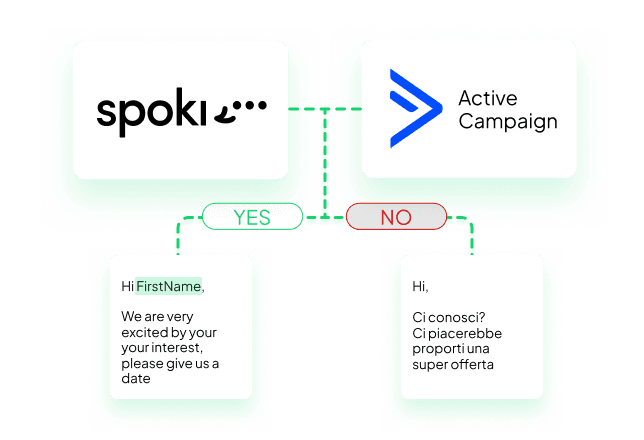
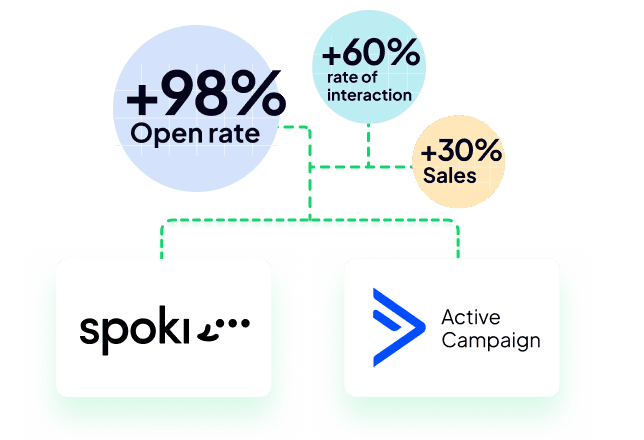
L'integrazione Spoki‑ActiveCampaign aumenta il coinvolgimento con messaggi mirati, migliorando la probabilità di conversione e la fidelizzazione dei clienti.
5. Integrazioni senza soluzione di continuità nel tuo stack.
Combina la potenza di Spoki e ActiveCampaign con i tuoi strumenti di CRM, analytics ed e‑commerce per creare un customer journey connesso dall'acquisizione alla loyalty.
6. Test e analytics guidati dai dati.
Misura, testa e migliora continuamente messaggi e automazioni. Usa gli insight per aumentare le performance e offrire esperienze che i clienti amano.
Cosa puoi fare con Spoki e ActiveCampaign?
Integrando Spoki con ActiveCampaign via APP CX, puoi sfruttare al massimo il canale WhatsApp per far crescere il tuo business.
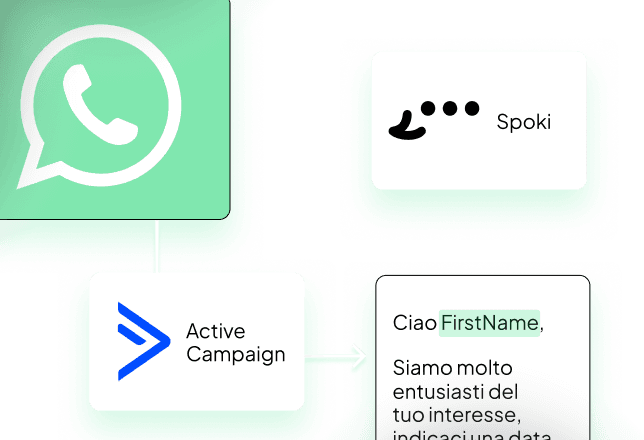
Chat WhatsApp incorporata direttamente in ActiveCampaign, nelle schermate “Dettagli offerta” e “Dettagli contatto”.
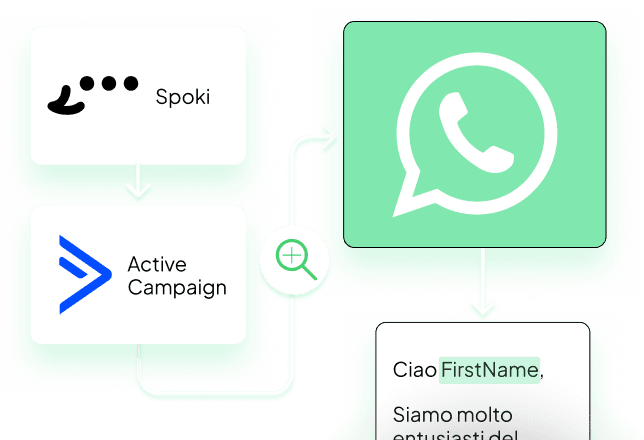
Aggiungi lo step Spoki nell'automazione di ActiveCampaign: Invia messaggi WhatsApp automatici – Aggiorna il Contatto su Spoki – Avvia un'automazione Spoki.
Aggiungi lo step ActiveCampaign nell'automazione Spoki: Avvia AC quando viene attivato su Spoki – Traccia gli eventi attivati da Spoki in ogni contatto su AC.
Configurazione | Usa la Chat WhatsApp in ActiveCampaign
- Attiva questa integrazione in alto a destra;
- Vai su ActiveCampaign > Impostazioni > Sviluppatore > Accesso API;
- Copia i valori e inseriscili nella sezione "Impostazioni" in alto sulla stessa pagina e premi "Salva".
- Vai nei dettagli di un contatto o di un'offerta dove troverai una sezione dedicata alla chat WhatsApp;
- Spoki identificherà il contatto tramite email o numero di telefono. Se non è già presente su Spoki, puoi avviare una nuova chat senza uscire da ActiveCampaign.
Chi può accedere alla chat in ActiveCampaign?
Di norma Spoki cerca l'utente con la stessa email usata in ActiveCampaign; se un utente con la stessa email non esiste in Spoki, non potrà accedere alla chat.
Vuoi dare accesso a tutti alla chat in ActiveCampaign?
- Vai su Spoki > Utenti e Ruoli > Aggiungi;
- Ruolo: Chat Manager; Tipo utente: Service User; Nome: ActiveCampaign;
- Clicca su "Aggiungi";
- Ora tutti gli utenti che hanno accesso al dettaglio "Contatto" o "Opportunità in ActiveCampaign" potranno usare la chat.
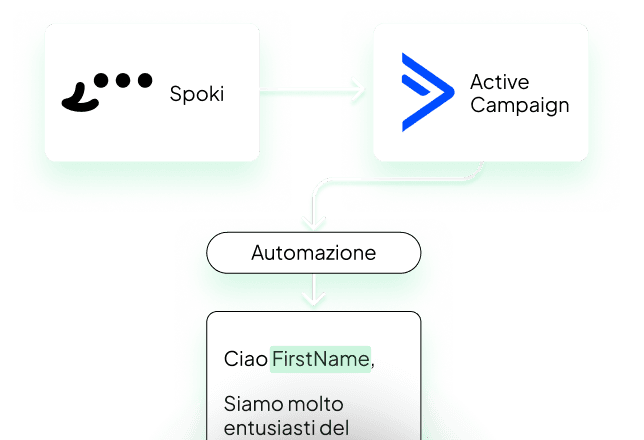
Configurazione | Aggiungi lo step Spoki nell'automazione AC
Puoi avviare Spoki da ActiveCampaign tramite lo step Spoki CX APP; il contatto verrà creato o aggiornato.
Azioni da fare su Spoki:
- Attiva questa integrazione in alto a destra;
- Crea una nuova automazione o selezionane una esistente;
- Clicca su Aggiungi step di avvio / Integrazione / ActiveCampaign;
- Copia l'ID Automazione
- Aggiungi almeno un'azione automatica (es., Invia Template);
- Premi "Salva".
Azioni da fare su ActiveCampaign:
- Crea una nuova automazione o selezionane una esistente;
- Clicca su "+" per aggiungere uno step;
- Clicca su "App CX / Spoki – Avvia una automazione WhatsApp";
- Connettiti usando il secret che trovi sopra;
- Inserisci l'ID Automazione;
- Premi "Salva".
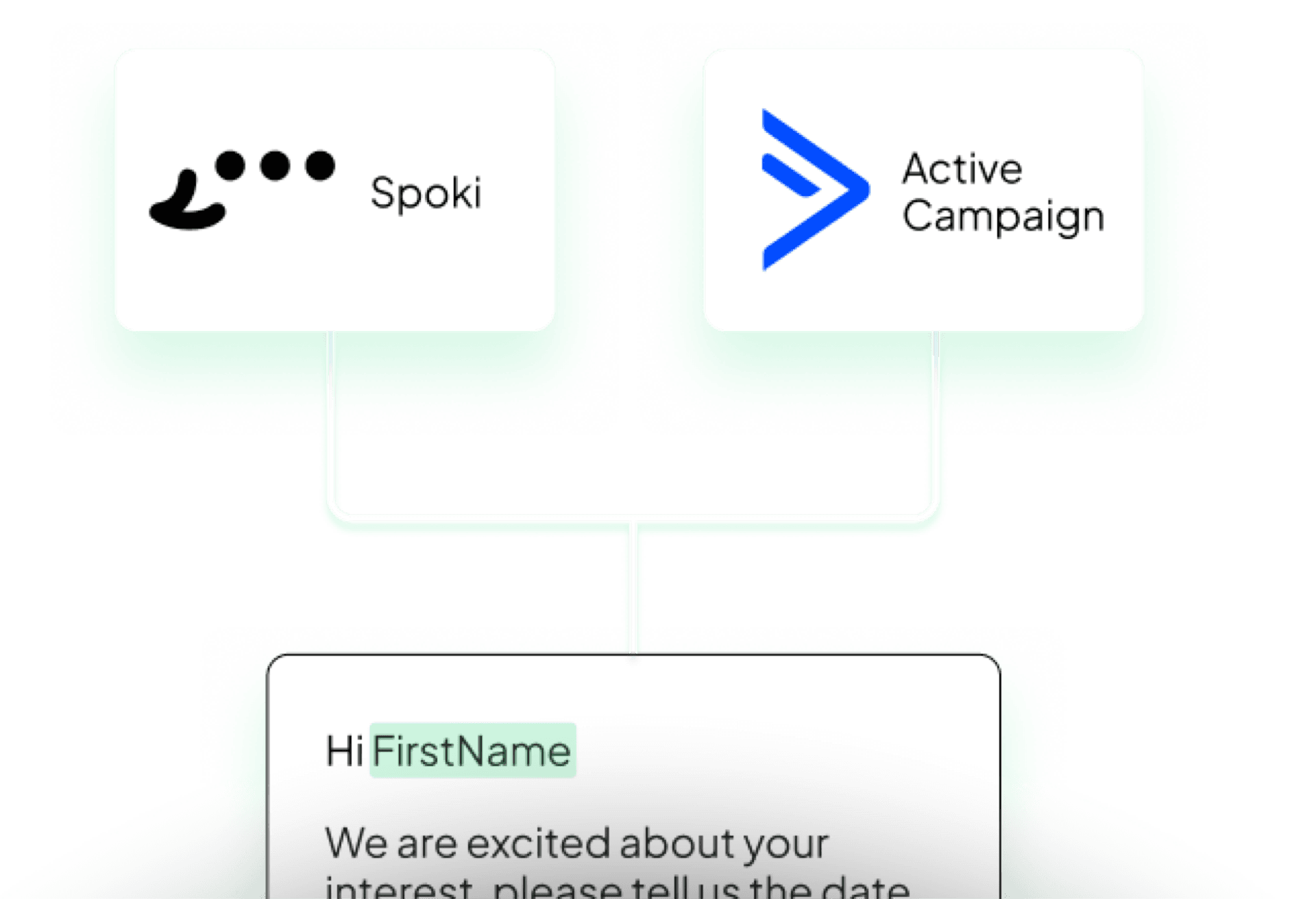
Configurazione | Aggiungi lo step AC nell'automazione Spoki
Puoi avviare ActiveCampaign tramite lo step Spoki CX APP. Il contatto verrà aggiornato (verifica via email o telefono) o creato se ha un'email associata in Spoki.
Azioni da fare su Spoki:
- Attiva questa integrazione in alto a destra;
- Vai su ActiveCampaign > Impostazioni > Sviluppatore > Accesso API;
- Copia i valori e inseriscili nella sezione 'Impostazioni' in alto su questa pagina. Clicca 'Salva'.
- Crea una nuova automazione o selezionane una esistente;
- Clicca su 'Your automated action' in ActiveCampaign;
- Salva l'automazione e copia lo Step ID mostrato nello step di ActiveCampaign;
Azioni da fare su ActiveCampaign:
- Crea una nuova automazione o selezionane una esistente;
- Clicca su 'Your automated action' > ActiveCampaign;
- Clicca su Add Trigger > App > Spoki Automations > Spoki Automation created;
- Clicca su 'Segment Spoki Automations';
- Aggiungi Step ID come condizione | Is | incolla lo Step ID copiato in precedenza;
- Premi 'Salva'.
Inizia ora gratis e trasforma ogni messaggio in un'interazione di valore.
Parti con l'account gratuito su Spoki e avvia le tue prime campagne grazie ai 5 € di credito inclusi.
Oppure contattaci per costruire insieme la tua strategia vincente. Ti aspettiamo!
Prenota una call