Voicebot: What Is It? How Voicebots Work, Types and Use Cases
Content
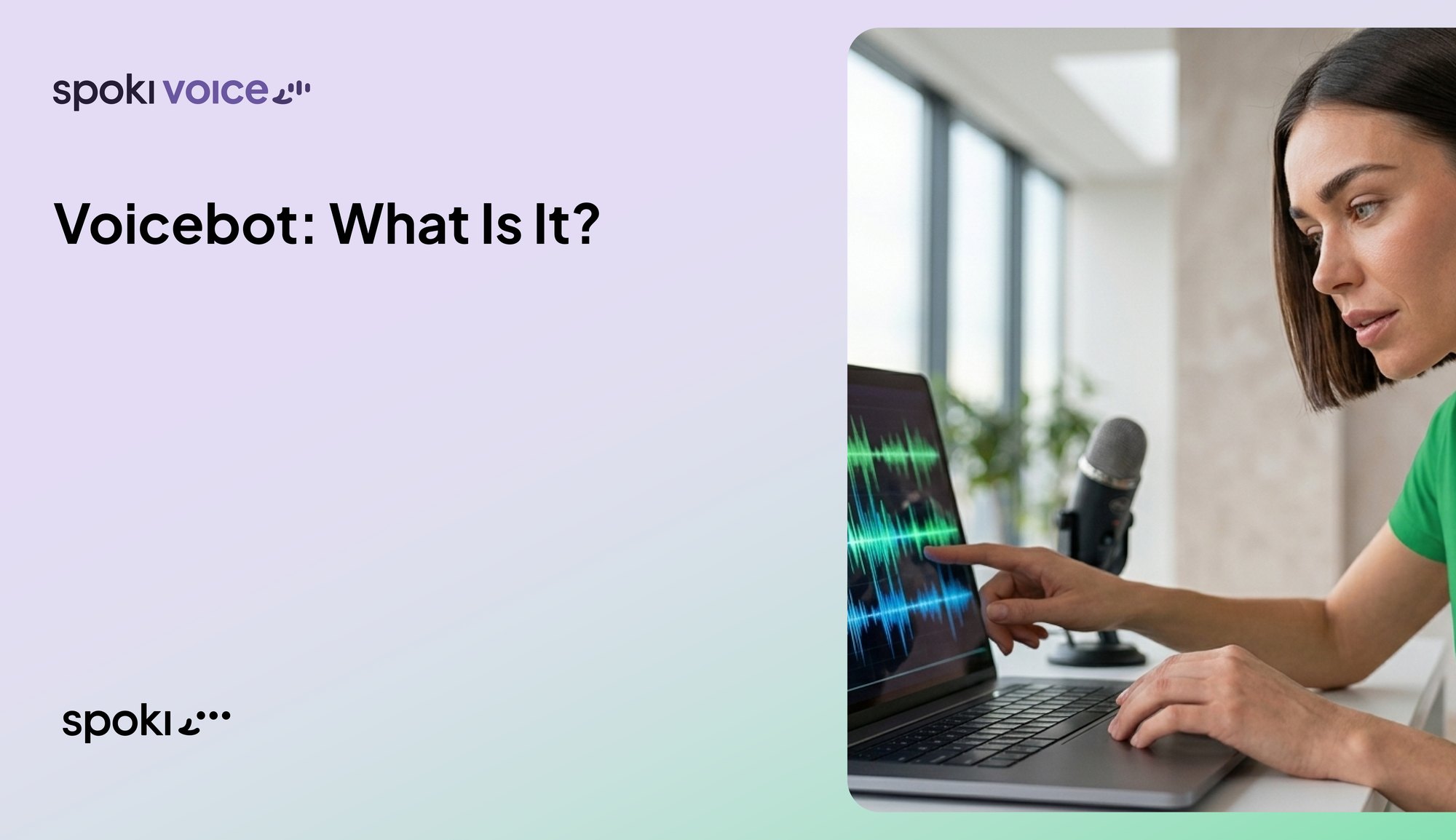
A voicebot is software that talks with people by voice: it listens to what they say, understands the request, answers with a synthesized voice and, when it is connected to business systems, completes tasks such as answering questions, routing calls, booking appointments or checking an order. Businesses mostly use voicebots on the phone, where they pick up calls 24/7, handle the most frequent requests on their own and pass the caller to a person when a human adds more value.
The word covers a wide range of technology, from the “say ‘billing’ or press 1” systems many people know to modern voicebots built on generative AI that hold a natural conversation. This guide explains what a voicebot is, how it works, which types exist, what it can do for a business and how to choose one.
If you want to go deeper into the latest generation, read our guides on what an AI voice agent is and how an AI voice agent works.
What is a voicebot?
A voicebot is a conversational program whose interface is the human voice instead of text. Where a chatbot reads and writes messages, a voicebot hears and speaks. It can live in several places:
- On the phone, answering inbound calls or placing outbound calls for a company. This is the most common business use.
- In apps and websites, as a “talk to us” button that opens a voice conversation.
- On devices, such as smart speakers, cars or self-service kiosks.
In customer communication, “voicebot” usually means a phone voicebot: an automated assistant that answers the company number, understands what the caller needs and either solves it or connects the caller to the right person.
Voicebot vs chatbot vs IVR vs AI voice agent
These terms overlap, and vendors use them differently. This table shows how they are commonly understood.
| Term | Channel | How it understands people | Typical role |
|---|---|---|---|
| Chatbot | Text (web chat, WhatsApp, apps) | Keywords, intents or a language model | Answers written questions |
| IVR (interactive voice response) | Phone | Keypad tones or a few spoken keywords | Menus that route the call |
| Voicebot | Voice (mainly phone) | Speech recognition plus intents or a language model | Answers and handles calls by voice |
| AI voice agent | Voice (mainly phone) | Speech recognition plus a large language model with tools | Holds open conversations and completes tasks end to end |
In practice, an AI voice agent is the most advanced kind of voicebot: it does not just answer, it acts inside your systems. A classic IVR is the ancestor of both. We will look at that comparison in detail in a dedicated article; here the focus is the voicebot itself.
How does a voicebot work?
Every voicebot follows the same loop, repeated several times per conversation and in real time:
- Listen. Automatic speech recognition (ASR) turns the caller’s speech into text as they talk.
- Understand. A natural language understanding layer works out the intent (“I want to change my appointment”) and the details (date, name, order number). In modern voicebots, a large language model does this and can also reason about the next step.
- Decide. The dialogue logic chooses what to do: ask a follow-up question, look something up, perform an action or hand over to a person.
- Act. Through integrations, the voicebot checks the calendar, reads the CRM record, looks up an order or opens a ticket.
- Speak. Text-to-speech (TTS) turns the answer into a natural voice, in the caller’s language.
- Record. After the call, the transcript, a summary and the outcome are saved, ideally on the customer’s record in the CRM.
What separates a good voicebot from a frustrating one
Three technical details decide whether callers feel they are talking to a helpful assistant or fighting a machine:
- Latency: the pause between the end of the caller’s sentence and the start of the answer. Long silences make people repeat themselves or hang up.
- Barge-in and turn-taking: the ability to stop talking when the caller interrupts, and to pick up the thread again.
- Noise handling: many people call from the car, the street or a busy shop, so the voicebot must separate the voice from the background.
For reference, Spoki Voice has end-to-end latency under 600 ms and includes noise cancellation that allows calls in very noisy environments (figures reported by Spoki).
Types of voicebots
Voicebots fall into three broad generations. Many products mix them, but the distinction helps you understand what you are buying.
| Type | How it works | Strengths | Limits |
|---|---|---|---|
| Rule-based (directed dialogue) | Fixed script; the caller must say one of a few expected words | Predictable, simple to approve | Breaks as soon as the caller goes off script |
| Intent-based (NLU) | Trained to recognize a list of intents and details | Understands free phrasing within known topics | Every new topic must be designed and trained |
| Generative / agentic (AI voice agent) | A large language model guided by instructions, a knowledge base and tools | Natural conversation, handles interruptions and unexpected questions, completes tasks | Needs clear guardrails, testing and monitoring |
Rule-based voicebots
These are the direct descendants of IVR systems, often built on standards such as VoiceXML. They work well for short, closed tasks (“Say your account number”) but feel rigid for anything else.
Intent-based voicebots
They use natural language understanding to map what the caller says to an intent. They are more flexible than rule-based bots, yet every new question requires new design and training work, so coverage tends to stay narrow.
Generative and agentic voicebots
The newest voicebots combine speech recognition, a large language model and text-to-speech with access to business tools. They can follow instructions written in plain language, use your knowledge base, ask clarifying questions and carry out actions such as booking or creating an order. When this kind of voicebot works on a phone line it is often called an AI phone agent.
What can a voicebot do for a business?
A voicebot is most useful wherever calls are frequent, repetitive and predictable. Common use cases:
- Answering frequent questions about opening hours, prices, delivery times, documents or policies.
- Routing calls to the right team or person based on what the caller says, not on a menu.
- Booking, moving and cancelling appointments directly in the calendar.
- Qualifying leads by asking the questions your sales team would ask and passing on only the opportunities that are ready.
- Order management: checking order status or creating an order during the call.
- Reminders and confirmations through outbound calls before an appointment or a delivery.
- After-hours and overflow coverage, so calls are answered at night, at weekends and during peaks.
- Short surveys and feedback calls after a purchase or a service.
Teams that want to see these scenarios applied to specific sectors can read how voice agents work for clinics and for car dealerships.
Benefits and limitations of voicebots
Benefits
- Availability: calls are answered 24/7, including several calls at the same time.
- Speed: no hold music for routine requests; the caller gets an answer immediately.
- Consistency: the same correct information every time, in every language you configure.
- Focus for the team: people spend their time on complex, sensitive or high-value conversations.
- Data: every call becomes a transcript and a structured outcome you can analyse.
Limitations to plan for
- A voicebot is only as good as its instructions, knowledge and integrations. Without access to the calendar or the CRM, it can talk but not act.
- Complex, emotional or unusual cases still need people. A clear handover to a human, with the context of the call, is essential. See our guide on AI-to-human escalation.
- Generative voicebots need guardrails, testing and monitoring so they stay within what you allow them to say and do.
- Legal requirements on transparency, consent and data protection apply, as explained below.
How to choose a voicebot: checklist
Use these questions when you compare solutions:
- Conversation quality: does it handle free speech, interruptions and accents? Ask for a live test call, not a recorded demo.
- Latency and noise: how long are the pauses, and how does it cope with background noise?
- Languages: which languages and voices are available, and can it switch language during a call?
- Actions and integrations: can it read and write to your CRM, calendar, order system or help desk?
- Human handover: can it transfer calls with a summary, and can your team see the whole history?
- Channel continuity: after the call, can the conversation continue by WhatsApp, SMS or email with a confirmation or a link?
- Compliance: GDPR, data location, call recording consent and AI disclosure in the greeting.
- Analytics: transcripts, outcomes, reasons for calling and handover rates.
- Pricing model: per minute, per call or platform fee, and what is included. Our guide on how much an AI voice agent costs breaks down the cost items.
For a deeper buying guide, read how to choose the right AI voice agent.
How to launch a voicebot in five steps
- Pick one use case with high volume and clear rules, such as appointment booking or the most common questions.
- Write the instructions and knowledge the voicebot needs: tone, what it can and cannot do, and when to hand over.
- Connect the tools it needs to act: calendar, CRM, order system.
- Test with real scenarios, including difficult callers, noise and unexpected questions, before going live.
- Measure and improve: review transcripts weekly, close knowledge gaps and extend to new use cases once the first one works well.
Voicebots and the rules on transparency and data
In the European Union, Article 50 of the AI Act sets transparency obligations for AI systems that interact directly with people, so that people are informed they are interacting with AI. According to the European Commission, Article 50 applies from 2 August 2026. A short disclosure in the greeting (“You are speaking with the virtual assistant of…”) covers this in practice.
Voice calls also involve personal data, so the GDPR applies to recordings, transcripts and CRM updates: define a legal basis, inform callers and set retention periods. In the United States, the FCC has ruled that AI-generated voices in robocalls fall under the restrictions on artificial voices, which matters for outbound calling. Always check the rules in each country where you call.
Where Spoki fits
Spoki is the agentic conversational CRM. It brings voice, WhatsApp, SMS and email together in a single thread per customer, and its AI agents answer calls and messages instantly, qualify opportunities, book appointments and keep the CRM up to date, so the team steps in only when it adds value.
Spoki Voice is Spoki’s AI voice agent, the generative kind of voicebot described above. It answers every call and can also run outbound calls; during the conversation it can segment contacts, qualify leads, book appointments, create orders and provide customer support. Because it is connected to the whole Spoki CRM and to every channel, the conversation can continue on WhatsApp, the channel many customers trust most, right after the call. Spoki Voice can be bought standalone, without WhatsApp, and Spoki connects to 4,000+ tools. Spoki is an official Meta Business Partner and helps companies around the world at every stage of the customer journey, from marketing to sales and support. You can compare plans on the pricing page.
FAQ
What is a voicebot in simple terms?
A voicebot is a virtual assistant you talk to instead of typing. It understands spoken requests, answers with a synthesized voice and can complete simple tasks, usually on a company’s phone line.
What is the difference between a voicebot and a chatbot?
A chatbot works with written messages, while a voicebot works with speech. Modern platforms often use the same AI for both, so the conversation can move from a call to a chat without losing context.
Is a voicebot the same as an IVR?
No. A classic IVR offers fixed menus that callers navigate with keypad tones or a few keywords. A voicebot understands natural speech and can answer questions or complete tasks instead of only routing the call.
Is a voicebot the same as an AI voice agent?
An AI voice agent is the most advanced type of voicebot: it uses a large language model with access to business tools, so it can hold an open conversation and complete tasks end to end.
Can a voicebot replace a call center team?
It can take over repetitive, predictable calls and cover nights, weekends and peaks. Complex or sensitive conversations should still reach people, ideally with a summary of what the caller already said.
Do callers have to be told they are talking to a voicebot?
In the EU, the AI Act includes transparency obligations for AI systems that interact directly with people, applicable from 2 August 2026. Saying it in the greeting is the simplest way to comply and builds trust.
Can I use Spoki Voice without WhatsApp?
Yes. Spoki Voice can be bought standalone and stays connected to the Spoki CRM and to other channels if you add them later.
Conclusion
A voicebot turns the phone into a channel that always answers. The technology has moved from rigid menus to AI voice agents that understand natural speech and act inside your systems. Start with one frequent, well-defined type of call, connect the voicebot to your calendar and CRM, set clear handover and disclosure rules, and measure from day one. Spoki is the agentic conversational CRM, and Spoki Voice is built to answer every call and keep the conversation going across channels.
📘 Download the Playbook: want ready-to-use scenarios, call scripts and best practices for your first voicebot? Download the Spoki Voice Playbook.
Sources (checked 25 November 2026)
- European Commission, transparency obligations under Article 50 of the AI Act (FAQ)
- Regulation (EU) 2024/1689 (AI Act), EUR-Lex
- General Data Protection Regulation (EU) 2016/679, EUR-Lex
- FCC, “FCC Makes AI-Generated Voices in Robocalls Illegal”
- W3C, Voice Extensible Markup Language (VoiceXML) 2.0
- Meta for Developers, WhatsApp Business Calling API
- Spoki Voice and Spoki pricing pages
- Spoki Voice latency (under 600 ms end-to-end) and noise cancellation: reported by Spoki