IVR vs AI Voice Agent: What’s the Difference?
Content
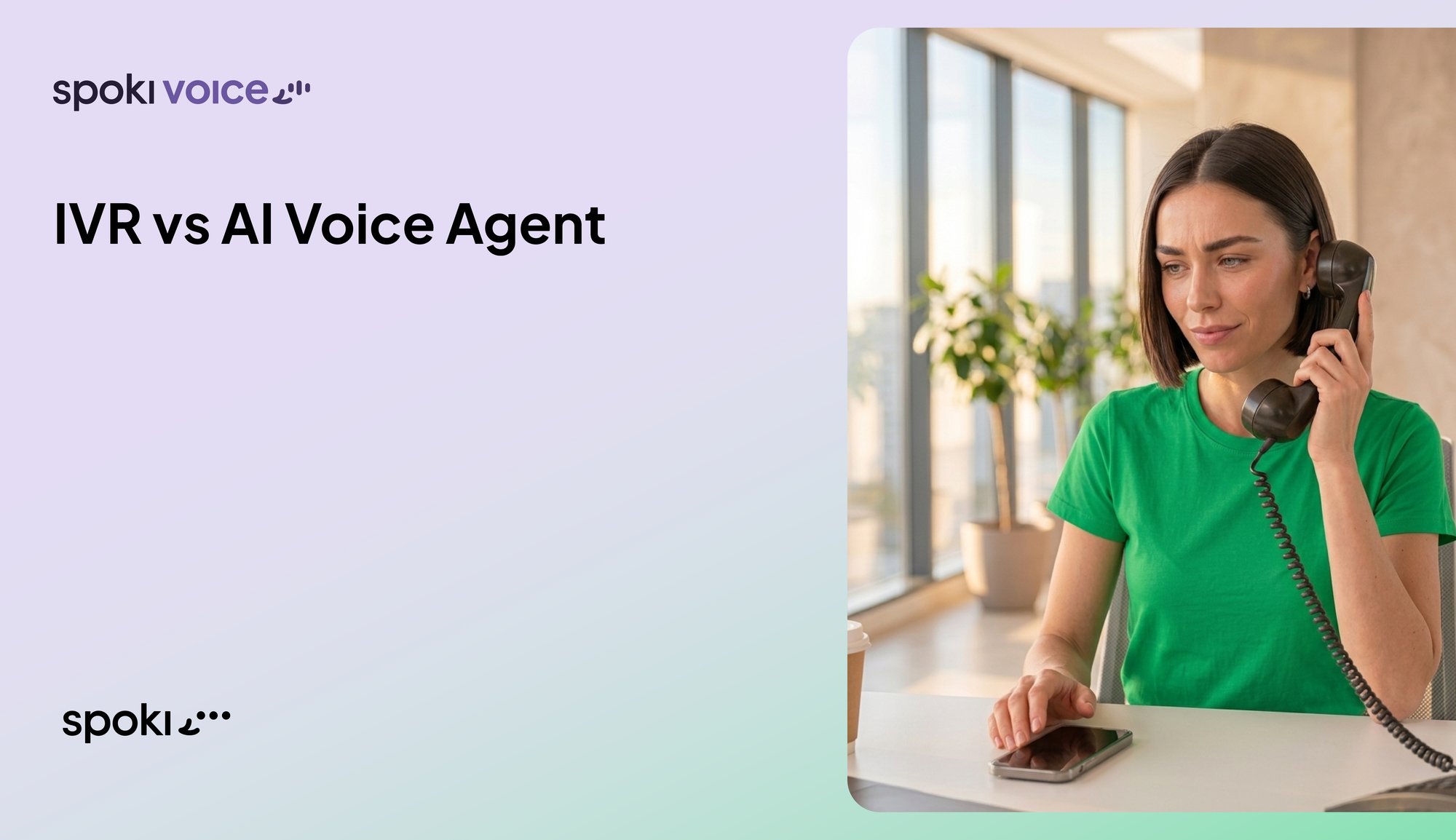
The difference between an IVR and an AI voice agent is that an IVR routes calls through fixed menus (“press 1 for billing”), while an AI voice agent understands what callers say in their own words, answers them and completes tasks such as booking an appointment or updating the CRM during the call. An IVR decides where a call goes; an AI voice agent can resolve the call itself and hand over to a person, with context, only when that adds value.
Both live on your phone line and both answer automatically, so they are often confused. This guide compares them side by side, explains how each one works, shows when an IVR is still enough and when it pays to move to an AI voice agent, and outlines how to make the switch without disrupting your callers.
If you are new to the topic, start with our explainers on what a voicebot is and what an AI voice agent is.
IVR vs AI voice agent at a glance
| IVR (interactive voice response) | AI voice agent | |
|---|---|---|
| How callers interact | Keypad tones or a few fixed spoken words | Natural speech, in their own words |
| Main job | Route the call to a queue or a recorded message | Understand the request and resolve it, or hand over with context |
| Conversation | Fixed tree of menus designed in advance | Open dialogue guided by instructions, knowledge and tools |
| Unexpected questions | Not handled; caller is sent to “operator” or loops back | Handled within the limits you set; asks clarifying questions |
| Actions in your systems | Limited, usually through custom development | Books, checks, creates orders and updates the CRM during the call |
| Changes | Edit and re-test the menu tree | Edit instructions and knowledge in plain language |
| After the call | Call logs and menu choices | Transcript, summary, outcome and next steps on the customer record |
| Best fit | Simple, stable routing with few options | Frequent requests that need understanding, data or an action |
What is an IVR?
An IVR (interactive voice response) is an automated phone system that greets callers with recorded or synthesized prompts and lets them choose options, usually by pressing keys on the phone keypad. Each key sends a DTMF (dual-tone multi-frequency) signal, the tone standard defined for push-button telephones, which the system maps to a branch of its menu. Many IVRs also accept a few spoken keywords such as “billing” or “yes”.
How a traditional IVR works
- The caller hears a welcome message and a list of options.
- They press a key or say a keyword.
- The IVR moves to the next menu, plays information (opening hours, balance, order status if connected) or transfers the call to a queue.
- If the caller’s need does not fit any option, they usually press 0, wait for an agent or hang up.
Behind the scenes, IVR dialogs are often written in standards such as W3C VoiceXML, which describes prompts, menus and the grammar of accepted answers. The logic is deterministic: the same input always leads to the same branch.
Where an IVR still works well
An IVR is not obsolete. It does a good job when:
- callers only need to choose between two or three clearly different destinations;
- the information is static and short (address, opening hours);
- you need a predictable, auditable flow, for example for identity checks with a PIN;
- call volume is low and the menu rarely changes.
What is an AI voice agent?
An AI voice agent is software that holds a real phone conversation. It combines speech recognition, a large language model that understands intent and decides the next step, and text-to-speech that answers with a natural voice. Connected to your business tools, it can act, not just talk. You can read a full explanation in how an AI voice agent works.
How an AI voice agent handles a call
- It answers immediately, discloses that it is a virtual assistant and asks how it can help.
- The caller explains the need in their own words, in any order, even with interruptions.
- The agent understands the intent and the details (name, date, order number), asking follow-up questions if something is missing.
- It acts through integrations: checks availability, books or moves an appointment, looks up an order, creates a ticket or qualifies a lead.
- It confirms the result and, if needed, sends a follow-up by WhatsApp, SMS or email.
- When a person adds more value, it transfers the call with a summary so the caller does not repeat everything.
- The transcript, outcome and next steps are saved on the customer record.
On a business phone line this is often called an AI phone agent, and when it covers the whole switchboard it becomes an AI phone system.
Key differences between IVR and AI voice agents
1. Understanding: menus vs natural language
An IVR only understands what it was designed to expect: a key or a keyword from a short list. An AI voice agent understands free speech, synonyms and long explanations, so callers do not have to translate their problem into a menu option.
2. Routing vs resolution
An IVR’s success is a correct transfer. An AI voice agent’s success is a solved request: the appointment is booked, the order status is given, the lead is qualified. Routing still happens, but only for the calls that need a person.
3. Flexibility when callers go off script
Real callers change their mind, ask two things at once or interrupt. An IVR either repeats the menu or sends them to the operator. An AI voice agent can follow the change of topic, handle barge-in (the caller speaking over it) and come back to the original task.
4. Integrations and actions
Connecting an IVR to a CRM or a calendar usually requires custom development for each flow. AI voice agents are designed to use tools: they read and write to the CRM, check calendars and create orders as part of the conversation.
5. Setup and maintenance
Adding an option to an IVR means redesigning part of the tree, re-recording prompts and testing every path. With an AI voice agent you mostly update instructions and the knowledge base in plain language, then test with realistic calls. You still need guardrails, testing and monitoring, because a generative system must stay within what you allow it to say and do.
6. Caller experience
Long menus, repeated options and “sorry, I didn’t get that” are the main sources of IVR frustration. A well-configured AI voice agent responds quickly and naturally. Two technical details matter most: latency (the pause before it answers) and noise handling. For reference, Spoki Voice has end-to-end latency under 600 ms and noise cancellation that allows calls in very noisy environments (figures reported by Spoki).
7. Data after the call
An IVR records which keys were pressed. An AI voice agent produces a transcript, a summary, the reason for calling and the outcome, which feed your CRM, your reporting and your follow-up campaigns.
The same call, two experiences
Imagine a patient who calls a clinic to move tomorrow’s appointment to Friday afternoon.
With an IVR: the patient listens to the menu, presses 2 for appointments, then 1 for existing appointments, enters a patient number and, because “reschedule to Friday afternoon” is not an option, waits in a queue for the front desk. If the desk is busy, the call goes unanswered and the patient calls back later, or not at all.
With an AI voice agent: the patient says, “I need to move my appointment tomorrow to Friday afternoon.” The agent identifies the patient, checks the calendar, offers two free slots, books the chosen one, confirms by WhatsApp and updates the record. If the patient also asks a clinical question, the agent passes the call to the staff with a summary.
The second flow is the reason many teams look beyond the IVR. For sector examples, see how voice agents work for clinics and car dealerships.
When to keep an IVR, when to switch, and the hybrid option
Keep a simple IVR if your calls are few, your options are stable and callers rarely need anything beyond a transfer.
Move to an AI voice agent if you see these signs:
- many callers press 0 or hang up in the menu;
- the same questions (hours, prices, order status, appointments) fill your team’s day;
- calls are missed at night, at weekends or during peaks, and those calls are leads or bookings;
- your team re-asks for information the caller already gave;
- the IVR menu has grown so long that nobody wants to touch it.
Combine them if you need a gradual path. A common hybrid keeps a one-question IVR at the front (“for emergencies press 1”) and lets the AI voice agent handle everything else, or puts the AI voice agent first and keeps keypad input for steps such as entering a PIN. Over time, most teams shrink the menu as the agent takes over more requests.
What about cost?
An IVR usually involves telephony costs plus the time and development needed to design and change menus. An AI voice agent is typically priced per minute or per call, sometimes with a platform fee, and replaces part of the manual handling of repetitive calls. The right comparison is not “IVR price vs AI price” but cost per resolved request, including missed calls and the time your team spends on routine calls. Our guide on how much an AI voice agent costs breaks down each item, and you can see Spoki’s plans on the pricing page.
How to move from IVR to an AI voice agent in six steps
- Map your current menu and call reasons. List each IVR branch and the most frequent reasons people call.
- Pick the first use case. Choose a high-volume, well-defined request, such as appointment changes or order status.
- Write instructions and knowledge. Define tone, what the agent can and cannot do, required data and when to hand over.
- Connect the tools. Calendar, CRM, order system or help desk, so the agent can act instead of only answering.
- Test with real scenarios. Include accents, noise, interruptions and difficult callers before going live; run it in parallel with the IVR if needed.
- Measure and extend. Track resolution, handovers and missed calls, review transcripts weekly and move more branches from the IVR to the agent.
For a structured buying checklist, read how to choose the right AI voice agent.
Compliance: transparency and data protection
In the European Union, Article 50 of the AI Act sets transparency obligations for AI systems that interact directly with people, so that they know they are dealing with AI. According to the European Commission, these obligations apply from 2 August 2026. An IVR with recorded prompts does not raise the same question, but an AI voice agent should say clearly in the greeting that the caller is speaking with a virtual assistant.
Both systems process personal data, so the GDPR applies to recordings, transcripts and CRM updates: define a legal basis, inform callers and set retention periods. In the United States, the FCC has ruled that AI-generated voices in robocalls fall under the restrictions on artificial voices, which matters for outbound calling. Check the rules in every country where you call.
Where Spoki fits
Spoki is the agentic conversational CRM. It brings voice, WhatsApp, SMS and email together in a single thread per customer. Its AI agents answer calls and messages instantly, qualify opportunities, book appointments and keep the CRM up to date, so the team steps in only when it adds value.
Spoki Voice is the AI voice agent that replaces or sits in front of a traditional IVR. It answers every call, understands natural speech and, during the conversation, can segment contacts, qualify leads, book appointments, create orders and provide customer support. Because it is connected to the whole Spoki CRM and to every channel, the conversation can continue on WhatsApp right after the call. Spoki Voice can be bought standalone, without WhatsApp, and Spoki connects to 4,000+ tools. Spoki is an official Meta Business Partner and helps companies around the world at every stage of the customer journey, from marketing to sales and support.
FAQ
What is the main difference between an IVR and an AI voice agent?
An IVR routes callers through fixed menus using keypad tones or a few keywords. An AI voice agent understands natural speech, answers questions and completes tasks such as bookings or CRM updates during the call.
Is an AI voice agent the same as a conversational IVR?
Not exactly. A “conversational IVR” usually adds speech recognition to a menu so callers can say an option instead of pressing a key. An AI voice agent goes further: it holds an open conversation and acts in your systems.
Can an AI voice agent replace my IVR completely?
In many cases, yes. Some companies keep a short IVR step for emergencies or PIN entry and let the AI voice agent handle everything else. A gradual migration is usually the safest route.
Will callers know they are talking to AI?
They should. In the EU, the AI Act includes transparency obligations for AI systems that interact with people, applicable from 2 August 2026, and stating it in the greeting also builds trust.
Does an AI voice agent still transfer calls to people?
Yes. A good AI voice agent hands over complex or sensitive calls to the right person, with a summary, so the caller does not have to repeat the story.
Is an AI voice agent more expensive than an IVR?
It depends on volume and use cases. Compare the cost per resolved request, including missed calls and team time, rather than the price of the software alone.
Can I use Spoki Voice without WhatsApp?
Yes. Spoki Voice can be bought standalone and stays connected to the Spoki CRM and to other channels if you add them later.
Conclusion
An IVR tells callers where to go; an AI voice agent helps them get things done. If your menu is short and your calls are simple, an IVR can still be enough. If callers get lost in menus, routine requests fill your team’s day or calls go unanswered, an AI voice agent connected to your calendar and CRM will usually serve them better, with a person stepping in when it matters. Spoki is the agentic conversational CRM: Spoki Voice answers every call and WhatsApp keeps the conversation going.
🎯 Request a Demo: want to see how an AI voice agent would handle the calls your IVR receives today? Request a demo and we will walk through your use case, or explore Spoki Voice first.
Sources (checked 27 November 2026)
- ITU-T Recommendation Q.23, technical features of push-button telephone sets (DTMF)
- W3C, Voice Extensible Markup Language (VoiceXML) 2.0
- European Commission, transparency obligations under Article 50 of the AI Act (FAQ)
- Regulation (EU) 2024/1689 (AI Act), EUR-Lex
- General Data Protection Regulation (EU) 2016/679, EUR-Lex
- FCC, “FCC Makes AI-Generated Voices in Robocalls Illegal”
- Meta for Developers, WhatsApp Business Calling API
- Spoki Voice and Spoki pricing pages
- Spoki Voice latency (under 600 ms end-to-end) and noise cancellation: reported by Spoki