Content
WhatsApp Marketing Automation: Scaling E-commerce Growth & Engagement
The digital marketplace has never been more crowded. For e-commerce businesses and marketing managers, the cost of acquiring new customers (CAC) is rising, while traditional channels like email and social media ads are yielding diminishing returns. Inboxes are overflowing, and attention spans are shrinking. If you are relying solely on email newsletters with open rates hovering around 20%, you are missing a massive opportunity to connect with your audience where they actually spend their time.
The solution lies in a channel that boasts a 98% open rate and unmatched immediacy: WhatsApp Marketing Automation. This isn’t just about sending text messages; it is about leveraging the WhatsApp Business API to build scalable, personalized, and automated conversational flows that drive revenue. Whether you run a pure-play e-commerce store or a business with a physical presence looking to bridge the digital gap, automation is the key to unlocking sustainable growth without overwhelming your support team.
The Shift to Conversational Commerce
We have entered the era of conversational commerce. Customers no longer want to be talked at; they want to be talked with. They expect instant answers, personalized recommendations, and seamless transaction experiences. While email remains a valid channel for long-form content and transactional receipts, it lacks the immediacy required for modern sales conversion.
WhatsApp Marketing Automation changes the dynamic by turning a broadcast channel into a two-way dialogue. Unlike SMS, which is often viewed as intrusive or strictly transactional, WhatsApp is a trusted space used for communicating with friends and family. When a business enters this space respectfully and with value—facilitated by platforms like Spoki—the engagement metrics skyrocket.
Why Automation Matters
Implementing WhatsApp manually is impossible at scale. You cannot have sales agents typing out thousands of abandoned cart reminders or shipping updates. Automation allows you to:
- Scale Personalization: Address customers by name and reference their specific purchase history automatically.
- Respond Instantly: Trigger messages based on user behavior (e.g., leaving a cart, visiting a pricing page) immediately.
- Reduce Human Error: Ensure the right message goes to the right segment every time.
- Optimize Resources: Free up your human agents to handle complex queries while bots handle the routine workflows.
Understanding the Technology: WhatsApp Business API vs. The App
Before diving into strategies, it is vital to distinguish between the standard WhatsApp Business App and the WhatsApp Business API. The App is designed for small, local businesses with low message volumes. For e-commerce growth and true WhatsApp marketing automation, the API is essential.
The API, which platforms like Spoki unlock for you, allows for:
- Unlimited Broadcasts: Send campaigns to thousands of opted-in users (subject to tier limits).
- Integration: Connect with your CRM (WooCommerce, Shopify, Salesforce, HubSpot).
- Multi-Agent Access: Have multiple team members manage one inbox.
- Green Tick Verification: Establish brand authority and trust.
- Interactive Buttons: Use Quick Replies and Call-to-Action buttons within the chat to increase conversion rates.
5 Strategic Use Cases for E-commerce Growth
To truly leverage automation, you need to move beyond simple welcome messages. Here are five sophisticated use cases that drive tangible ROI.
1. The Abandoned Cart Recovery Engine
Cart abandonment is the plague of e-commerce, with average rates hovering around 70%. Email reminders often get buried in the “Promotions” tab. A WhatsApp automation triggered 1 or 2 hours after abandonment can recover a significant portion of lost revenue.
The Workflow:
1. Customer adds items to cart but leaves without paying.
2. Spoki detects the event via CRM integration.
3. An automated template message is sent: “Hi [Name], we noticed you left something behind! Here is a link to complete your order. Need help?”
4. Pro Tip: Include a “Call to Action” button that links directly back to the checkout page.
2. Post-Purchase Anxiety Reduction & Tracking
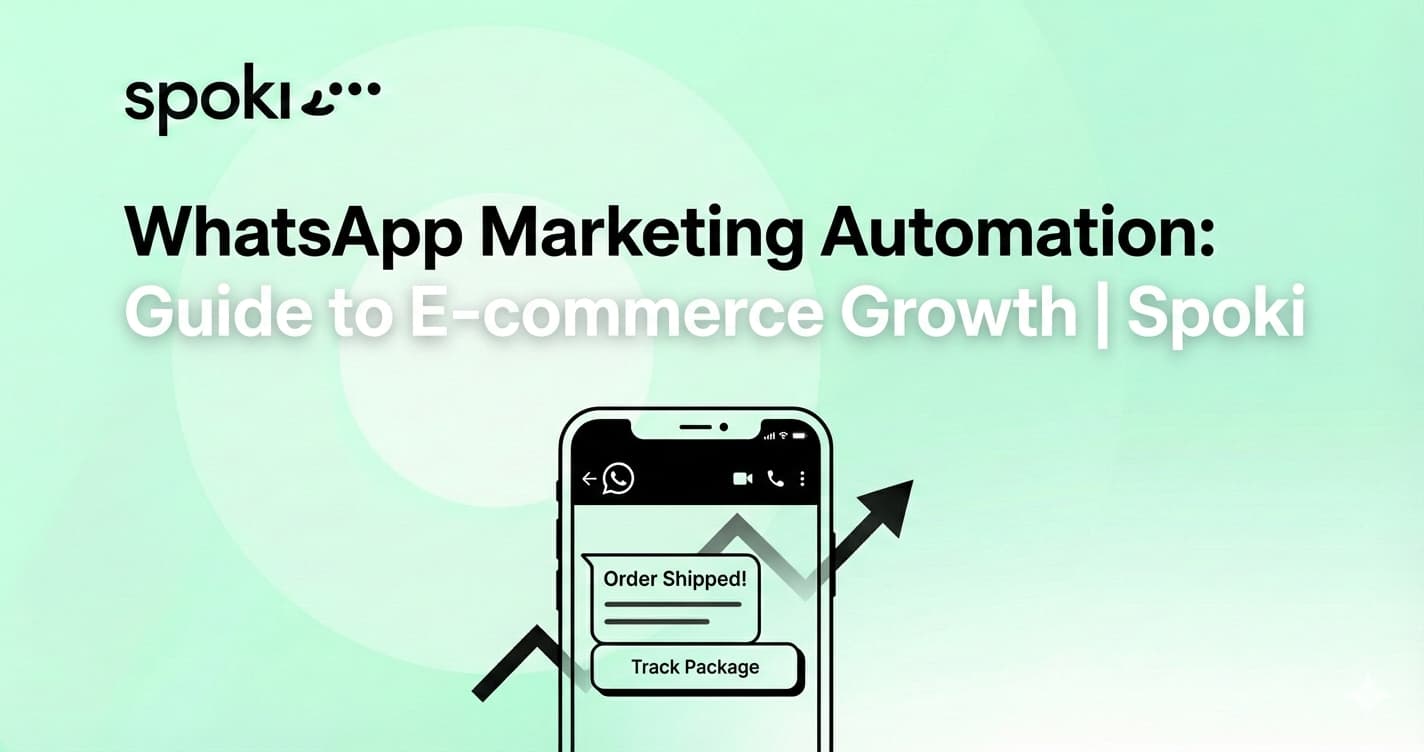
The time between purchase and delivery is known as the “anxiety gap.” Customers constantly check their email for tracking numbers. By proactively pushing these updates via WhatsApp, you reduce “Where is my order?” (WISMO) support tickets, saving your support team hours of work.
The Workflow:
1. Order status changes to “Shipped” in your e-commerce platform.
2. Automation triggers a message with the tracking link and estimated delivery date.
3. Once delivered, a follow-up automation can ask for a review or feedback, striking while the customer excitement is highest.
3. Personalized Product Recommendations (Cross-Selling)
Generic mass marketing is losing effectiveness. Using purchase history data, you can set up automations that suggest complementary products. This increases Customer Lifetime Value (CLV).
The Workflow:
1. Customer buys a high-end camera.
2. Wait 7 days (allow them to receive and use the product).
3. Send an automated message: “Hi [Name], hope you are enjoying your new camera! We have a special offer on compatible lenses and carry cases just for you.”
4. Re-engagement and “Win-Back” Campaigns
It is cheaper to retain an existing customer than to acquire a new one. WhatsApp marketing automation is perfect for waking up dormant customers who haven’t purchased in 3-6 months.
The Workflow:
1. Segment users in Spoki based on “Last Purchase Date > 90 Days.”
2. Send a highly engaging template message with a limited-time offer or a “We Miss You” voucher.
3. Use interactive buttons like “See Offer” or “Unsubscribe” to respect their preferences.
5. Bridging the Physical-Digital Divide
For businesses with physical locations, WhatsApp acts as the bridge to digital retention. You can use QR codes in-store to bring offline shoppers into your digital funnel.
The Workflow:
1. Place a QR code at the checkout counter: “Scan to get your digital receipt and a 10% discount on your next online order.”
2. Customer scans and sends a pre-filled message.
3. Spoki captures the lead, delivers the receipt/coupon, and adds them to your subscriber list for future marketing campaigns.
Best Practices for WhatsApp Automation Compliance
Great power comes with great responsibility. WhatsApp prioritizes user experience above all else. To maintain a healthy sender reputation and avoid account blocking, you must adhere to Meta’s guidelines. This is where using a verified partner like Spoki ensures you stay compliant.
The Opt-In Rule
You cannot message users who haven’t agreed to be contacted via WhatsApp. Always secure an explicit opt-in via your website checkout, a popup form, or a physical QR code scan.
Template Quality
Outbound marketing messages must use pre-approved Templates. These templates ensure messages aren’t spammy. Spoki helps you manage and submit these templates for approval, ensuring they meet Meta’s criteria.
The 24-Hour Service Window
When a user messages you, a 24-hour window opens where you can reply with free-form messages. Once that window closes, you must use a paid Template Message to reopen the conversation. Automation helps you maximize that 24-hour window by responding instantly, keeping the window open longer through engagement.
Designing the Perfect Automated Workflow
Implementing WhatsApp marketing automation requires a strategic approach. It is not enough to just switch on a bot. You must map the customer journey.
Step 1: Define the Trigger
What sets the automation in motion? Is it a form submission, a purchase, a tag added in your CRM, or a specific keyword sent by the user?
Step 2: Craft the Content
WhatsApp messages should be short, punchy, and conversational. Use emojis to humanize the tone. Avoid long blocks of text. If you have a lot of information to share, use a PDF attachment or a link to a landing page.
Step 3: Set the Logic
Use conditional logic. If the customer replies “Yes,” send the discount code. If they reply “No,” send a polite closing message. Spoki’s visual builder makes creating these decision trees intuitive, requiring no coding knowledge.
Measuring Success and ROI
How do you know if your automation is working? Unlike email, where “Open Rate” is a vanity metric, WhatsApp metrics indicate real intent.
- Delivery Rate: Ensures your database is clean and numbers are valid.
- Read Rate: Confirms your audience is seeing your content.
- Response Rate: The holy grail of conversational marketing. High response rates indicate high engagement.
- Conversion Rate: The percentage of chats that result in a sale.
To understand the potential financial impact on your specific business model, you can utilize the Spoki ROI Calculator. This tool helps you visualize how switching from SMS or manual outreach to WhatsApp automation can save costs and boost revenue.
Why Spoki is the Ideal Partner for Automation
While the WhatsApp API provides the infrastructure, you need a platform to manage the interface, automations, and integrations. Spoki is designed specifically to democratize access to the WhatsApp Business API.
With Spoki, you get:
- Seamless Integrations: Native connections with major e-commerce platforms and automation tools like Zapier.
- Visual Automation Builder: Drag-and-drop functionality to create complex workflows in minutes.
- Team Collaboration: Shared inbox features that allow sales and support to collaborate on tickets.
- Compliance Safety: Built-in safeguards to ensure your templates and messaging frequency align with WhatsApp policies.
If you are unsure where to start, our team helps you define the best strategy for your specific industry, ensuring you don’t just buy a tool, but adopt a solution.
Conclusion: The Future is Automated Conversation
E-commerce is evolving. The businesses that will thrive in the next decade are those that build direct, personal, and automated relationships with their customers. WhatsApp Marketing Automation offers the perfect blend of scalability and intimacy, allowing you to grow your sales without losing the human touch.
Don’t let your customer base stagnate in an email spam folder. Unlock the power of conversational commerce and watch your engagement rates—and revenue—climb.
Ready to transform your customer communication? Try Spoki Today and start building meaningful connections at scale.
Curious about the costs? Check our flexible pricing plans designed to grow with your business.