WhatsApp AI Assistant for Business: How to Use Virtual Assistants on WhatsApp
Content

An AI assistant or chatbot on WhatsApp can answer customer questions 24/7, qualify leads, and hand off to human agents when needed—so your team focuses on high-value conversations while automation handles routine ones. The WhatsApp Business API allows you to connect AI and chatbot flows that work within template and session rules, keeping you compliant while improving support and conversion.
This guide explains why to use a WhatsApp AI assistant, how it fits with templates and the 24-hour session, what you can automate (FAQs, lead qualification, support handoff), and best practices for customer experience and compliance. You will find links to Spoki features, artificial-intelligence, and customer support.
Why Use an AI Assistant on WhatsApp?
WhatsApp has very high open and reply rates. When you add an AI assistant or chatbot:
- 24/7 availability: Customers get instant answers to FAQs (opening hours, order status, support options) without waiting for human agents.
- Faster lead qualification: The bot can ask a few questions (e.g. product interest, company size) and tag or score the lead in your CRM before an agent steps in.
- Lower cost per contact: Automation handles repetitive questions; human agents focus on conversations that need empathy, negotiation, or support escalation.
- Consistent experience: The AI gives the same accurate answers every time (policies, templates, opt-in rules) so customers get a reliable support channel.
The WhatsApp Business API requires templates for the first message outside the 24-hour session. Once the customer replies, you have a session for free-form dialogue—that’s when your chatbot or AI can run flows (menus, FAQs, lead forms) and hand off to an agent when needed. For use-cases and pricing, see the links.
How an AI Assistant Works with WhatsApp Rules
WhatsApp policy affects how your AI assistant can start and continue conversations:
- First message (outside session): Must be an approved template. Use a template that invites the customer to reply (e.g. “Reply with a number to choose an option” or “Reply YES to get started”). After they reply, the 24-hour session opens.
- Inside the session: You can send free-form messages. Your chatbot or AI can ask questions, send buttons or lists (within WhatsApp’s formats), and collect answers. When the session expires (24 h after last customer message), the next outbound message must again be a template.
- Handoff to human: When the bot can’t help (e.g. complaint, complex question), it should clearly hand off to a human agent. The agent continues in the same thread within the session or, if the session has expired, uses a template to re-open the conversation.
Platforms like Spoki offer features for automation and AI so you can design chatbot flows, templates, and handoff rules without building everything from scratch. You can start with simple keyword-based flows (e.g. “Reply 1 for orders, 2 for support”) and later add AI that understands natural language for a smoother customer experience. For solutions and landing-registration, see the links.
What You Can Automate with a WhatsApp AI Assistant
Typical use cases for a WhatsApp AI assistant:
- FAQ and self-service: Answer “Where is my order?”, “What are your opening hours?”, “How do I return?” with predefined answers or links. Reduces support tickets and gives customers instant help.
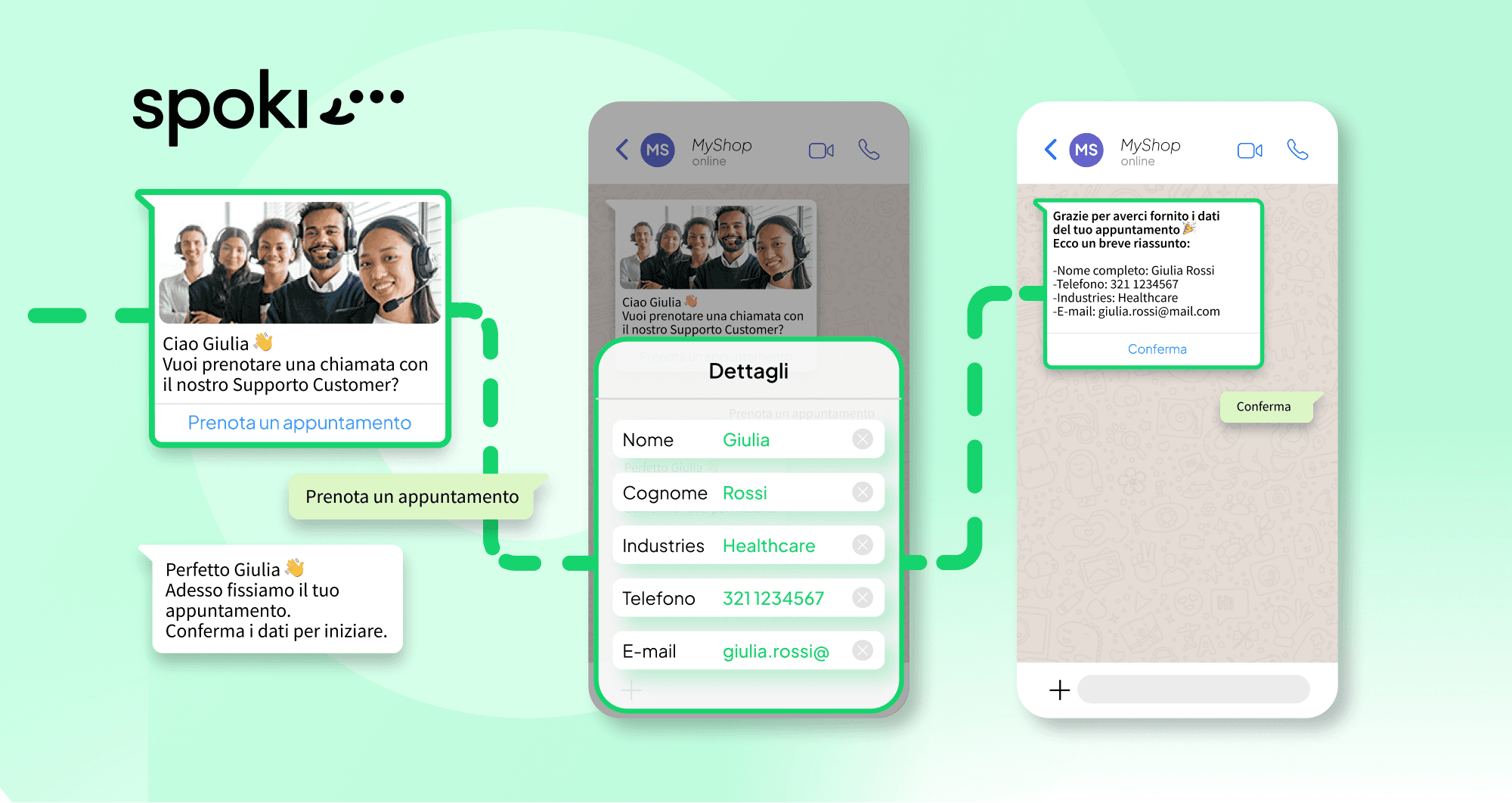
- Lead qualification: After the customer replies to a template, the bot asks 2–3 questions (e.g. “Which product are you interested in?”, “When do you plan to buy?”) and saves the answers to your CRM or backend. Agents then see a qualified lead with context.
- Appointment and booking: The bot can offer time slots, confirm bookings, and send reminders (using templates when outside the session). Integrate with your booking or CRM system so data stays in sync.
- Support triage and handoff: The bot collects the issue (e.g. “Order problem”, “Billing”), then either answers from a knowledge base or hands off to support with the context. The agent sees the conversation history and can continue in the same thread.
In all cases, opt-in and compliance apply: only message users who have opted in, respect opt-out, and use templates when required. For customer-support, FAQ, and contact, see the Spoki pages.
Best Practices for Your WhatsApp AI Assistant
- Set clear expectations: Tell customers they’re talking to a bot or AI (e.g. “You’re chatting with our virtual assistant. For a human agent, reply AGENT.”). Avoid pretending to be human.
- Offer human handoff: Always give a simple way to reach a human (keyword, button, or menu option). Some conversations need empathy or escalation.
- Keep flows short and clear: Don’t overload with too many options per message. Use simple menus or short questions so customers don’t drop off.
- Respect template and session rules: Use templates for the first message after session expiry; inside the session, your AI can use free-form text and WhatsApp interactive messages. Sync with your CRM so lead data and conversation history are in one place.
For a ROI estimate and to see AI and chatbot options in action, use the roi-calculator and book a demo.
Measuring success: Track how often the AI resolves issues without human handoff, average session length, and customer satisfaction. Use this data to refine templates, add new FAQ answers, and tune when the bot should escalate—so your WhatsApp AI assistant keeps improving over time.
Conclusion
A WhatsApp AI assistant helps you answer FAQs, qualify leads, and hand off to human agents while staying compliant with template and session rules. Use the WhatsApp Business API with a platform that supports AI and chatbot flows (like Spoki) to design automation that fits your support and sales process. Follow best practices for transparency, human handoff, and compliance so customers get a helpful and trustworthy experience.
Ready to add an AI assistant to WhatsApp? Explore Spoki features for AI and automation, register, or book a demo to see how it works. Many businesses start with a simple chatbot for FAQs and add AI that understands natural language as they grow, so customer experience improves step by step.