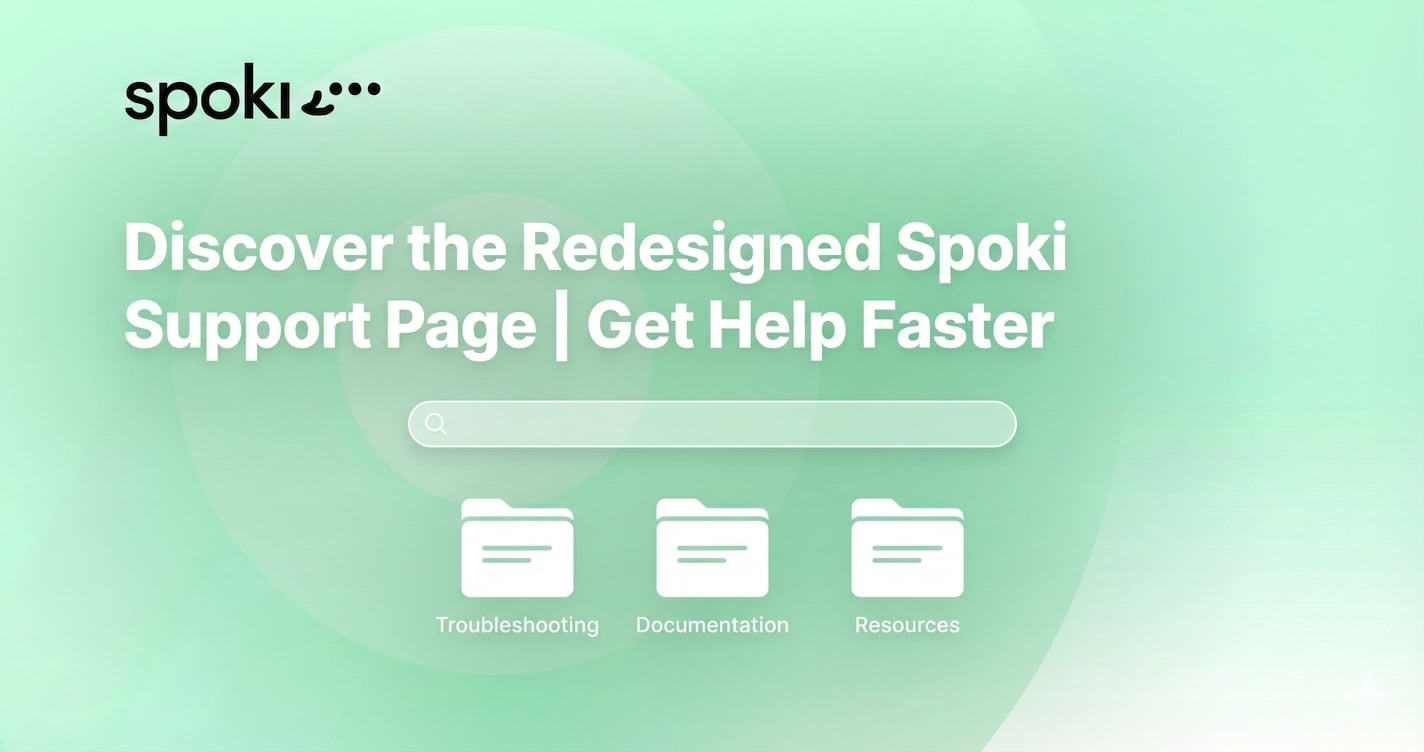
Discover the Redesigned Spoki Support Page | Get Help Faster
Content
Discover the Redesigned Spoki Support Page: Master WhatsApp Automation Faster
In the fast-paced world of digital business, speed and efficiency are everything. When you are building a robust customer engagement strategy, encountering a technical roadblock can disrupt your entire workflow. That is why we are thrilled to introduce the redesigned Spoki support page—a comprehensive, intuitive, and user-centric hub built to help you get answers instantly.
Whether you are a current user configuring an advanced WhatsApp Business API integration or a prospective business evaluating customer engagement platforms, post-purchase support is a critical factor in your success. A powerful platform requires equally powerful documentation. With our new layout, you can navigate seamlessly through step-by-step guides, troubleshoot automated messaging workflows, and ensure your marketing and sales teams are empowered to leverage Spoki to its fullest potential.
Let’s dive into what makes the new Spoki support page your ultimate resource for mastering WhatsApp automation, scaling your business communication, and delivering unparalleled customer experiences.
The Crucial Role of Support in SaaS and Customer Engagement
For businesses in the middle or bottom of the evaluation funnel (MOFU/BOFU), choosing a WhatsApp marketing platform goes beyond comparing feature lists. You are investing in a long-term partnership. The reality is that setting up advanced WhatsApp automation, integrating your CRM, and mapping out customer journeys requires technical guidance.
Historically, software support pages have been dense, difficult to navigate, and filled with technical jargon. We recognized that our users—ranging from marketing managers to sales directors and IT specialists—need a resource that speaks their language. They need quick, actionable solutions that reduce downtime and accelerate time-to-value.
The redesigned Spoki support page addresses this directly. By transforming how information is organized, categorized, and delivered, we are ensuring that you spend less time searching for answers and more time engaging with your customers, capturing leads, and closing deals.
Introducing the Redesigned Spoki Support Page: What’s New?
Our completely overhauled support center was designed with one primary goal: to help you find exactly what you need, exactly when you need it. We analyzed thousands of user queries to understand how our community interacts with our documentation. The result is a streamlined, aesthetically pleasing, and highly functional layout.

1. Intelligent, Predictive Search Functionality
The cornerstone of the new Spoki support page is our enhanced search engine. Instead of sifting through endless categories, simply start typing your query. Our predictive search will instantly suggest relevant articles, video tutorials, and troubleshooting guides. Whether you are typing “how to get WhatsApp template approval” or “Zapier integration steps,” the most accurate resources will populate immediately.
2. Role-Based and Goal-Oriented Navigation
Not every user logs into Spoki with the same objective. A developer might be looking for API documentation, while a marketing manager might be searching for best practices on broadcasting promotional messages. The new layout segments information based on your specific goals:
- Getting Started: Essential guides for account setup, connecting your number to the WhatsApp Business API, and verifying your business.
- Marketing & Campaigns: Resources on creating highly converting templates, managing opt-in lists, and analyzing campaign performance.
- Sales & CRM Integrations: Step-by-step walkthroughs for syncing Spoki with platforms like HubSpot, Salesforce, and custom CRMs.
- Automation & Chatbots: Everything you need to know about building logical chatbot flows, setting up auto-replies, and routing chats to human agents.
3. Rich Media and Step-by-Step Video Tutorials
Some concepts are easier to grasp visually. The redesigned Spoki support page integrates high-quality video tutorials and annotated screenshots directly into the articles. Instead of just reading about how to build a multi-step automation rule, you can watch a brief, guided video that shows you exactly where to click.
Accelerating Your WhatsApp Business API Mastery
The Spoki platform is built on the robust foundation of the WhatsApp Business API, offering unparalleled capabilities for business communication. However, unlocking its full potential requires an understanding of its unique mechanics. The Spoki support page is explicitly structured to turn beginners into WhatsApp automation experts.
Designing Intelligent Chatbots
Chatbots are essential for scaling your customer support and qualifying leads 24/7. But designing a chatbot that feels natural and helpful can be challenging. On our new support page, you will find comprehensive guides on utilizing Spoki’s drag-and-drop automation builder. You can learn how to:
- Set up keyword-triggered automated responses.
- Create interactive menu options using list messages and quick reply buttons.
- Configure seamless handoffs from a chatbot to a live human agent when a customer needs personalized assistance.
By leveraging these resources, you can drastically reduce response times and improve overall customer satisfaction.
Mastering Automated Messaging Workflows
Automated messaging is the backbone of efficient marketing and sales operations. The Spoki support page provides deep-dive articles on setting up complex workflows. Learn how to trigger specific WhatsApp messages based on customer actions, such as abandoning a shopping cart, submitting a lead generation form, or completing a purchase. The documentation walks you through configuring delays, adding conditional logic, and personalizing messages with dynamic variables (like the customer’s first name or order number) to drive higher conversion rates.
Managing Message Templates and Approvals
To initiate a conversation with a customer via the WhatsApp Business API, you must use a pre-approved Message Template. The new support page dedicates an entire section to this crucial process. We provide actionable advice on how to write templates that get approved quickly, common reasons for rejection, and best practices for incorporating call-to-action (CTA) buttons and rich media (images, videos, PDFs) into your templates.
Practical Use Cases: Solving Real-World Business Challenges Faster
A great software platform adapts to your business needs. To illustrate the value of the new Spoki support page, let’s explore how different teams can use it to solve real-world challenges efficiently.
Use Case 1: Faster CRM Integrations for Sales Teams
The Challenge: A sales director wants to automatically send a WhatsApp message to a new lead the moment they enter the company’s CRM, ensuring a “speed to lead” time of under one minute. However, the IT team is busy, and the sales ops manager needs to set this up themselves.
The Solution: The sales ops manager navigates to the Spoki support page and searches for their specific CRM (e.g., “HubSpot integration“). They find a dedicated, step-by-step tutorial complete with video instructions on how to authenticate the connection, map data fields, and set up the specific trigger for new leads. What could have taken days of back-and-forth with IT is accomplished in an hour, resulting in immediate pipeline acceleration.
Use Case 2: Launching Opt-In Campaigns for Marketing
The Challenge: A marketing team is preparing for a major Black Friday sale. They need to build a compliant subscriber list quickly and send out a bulk promotional broadcast.
The Solution: Using the “Marketing & Campaigns” hub on the Spoki support page, the team accesses best practices for generating WhatsApp opt-ins via website widgets, social media ads, and email campaigns. They also follow the guide on importing contacts safely and creating a segmented broadcast campaign. The support documentation ensures they follow all compliance guidelines, preventing their number from being flagged and guaranteeing high deliverability during their most crucial sales period.
Use Case 3: Streamlining Customer Support and Ticketing
The Challenge: A customer service team is overwhelmed by repetitive inquiries regarding order statuses and return policies.
The Solution: The support manager uses the Spoki support page to learn how to deploy a self-serve FAQ chatbot. By following the detailed instructions, they configure an automated flow that asks customers for their order number and retrieves the status automatically. The guide also shows them how to route complex tickets to specialized agents based on the customer’s input, drastically reducing ticket resolution times and agent burnout.
Navigating WhatsApp Compliance and Opt-In Management
One of the most critical aspects of using the WhatsApp Business API is maintaining compliance with Meta’s strict commerce and messaging policies. Failure to adhere to these rules can result in lowered quality ratings or even account suspension. At Spoki, we prioritize a customer-first approach, and our support documentation reflects this commitment.
The redesigned Spoki support page features extensive, easy-to-understand resources on:
- Opt-in Requirements: Clear guidelines on how to collect active, explicit consent from users before sending them promotional messages. We explain the difference between inbound customer service windows and outbound marketing templates.
- Quality Ratings: Insights into how WhatsApp calculates your phone number’s quality rating, and strategies for maintaining a “High” (green) status by sending highly relevant, expected content.
- Anti-Spam Best Practices: We firmly advocate against misleading claims and spam tactics. Our support page educates users on segmenting audiences and pacing campaigns to ensure your messages provide genuine business value and foster long-term customer relationships.
By making compliance easy to understand, we empower you to build a sustainable, highly profitable WhatsApp marketing channel.
Beyond the Support Page: Connecting with the Spoki Ecosystem
While the new Spoki support page is designed to be your primary resource for troubleshooting and setup, it is just one part of our broader educational ecosystem. We believe in continuous learning and empowering our users to stay ahead of the curve in conversational marketing.
From the support page, you can seamlessly navigate to the Spoki Academy. While the support page answers the “how-to” technical questions, the Academy answers the “why” and “what’s next” strategic questions. It offers in-depth courses, webinars, and masterclasses on advanced WhatsApp marketing strategies, conversational copywriting, and omnichannel engagement.
Furthermore, if you ever encounter an edge case or a highly complex technical issue that isn’t covered in the documentation, our dedicated human support team is just a click away. The new layout features a streamlined ticketing system that captures the context of your query, ensuring our agents can resolve your issue faster than ever before.
Conclusion: Experience Support That Empowers Your Growth
Your customer engagement software should never be a bottleneck. It should be an accelerator. With the redesigned Spoki support page, we have removed the friction from learning, configuring, and mastering WhatsApp automation. Whether you are aiming to increase your sales conversion rates, streamline your internal workflows, or provide stellar customer service, the answers you need are now right at your fingertips.
We invite you to explore the new layout, discover powerful new features, and see firsthand how our user-centric approach to documentation can transform your business communication strategy. For businesses currently evaluating customer engagement platforms, this is our promise to you: with Spoki, you are never building in the dark. You have a comprehensive, intuitive knowledge base and a dedicated team backing you up every step of the way.
Ready to elevate your business communication? Explore the New Spoki Support Page today or, if you haven’t yet, start your journey and Try Spoki Now to experience the ultimate WhatsApp Business API platform.