What Is Conversational AI? Understanding Its Applications and Benefits
Content

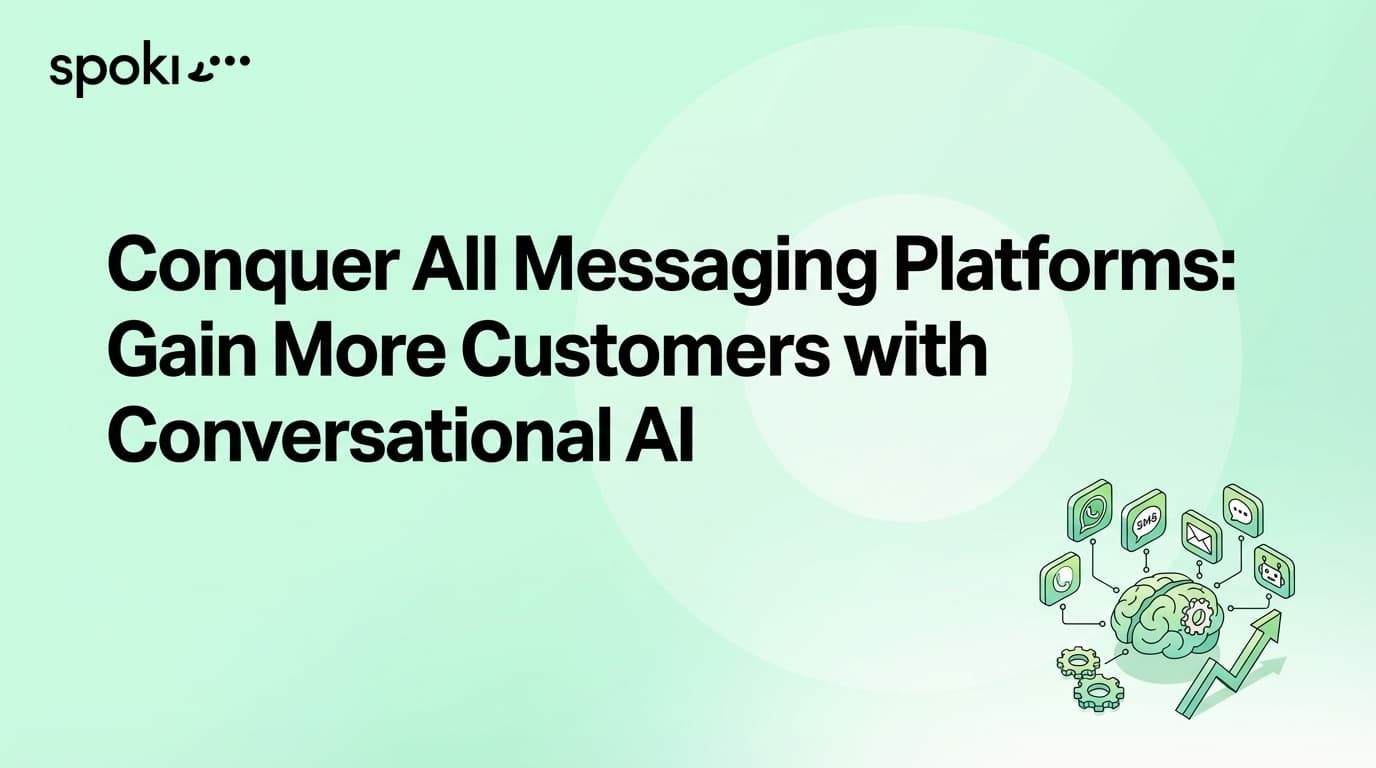
Conversational AI refers to technology that lets people interact with systems using natural language—chat or voice—instead of menus or forms. In business, it powers chatbots, virtual assistants, and automated messaging that can answer questions, qualify leads, and hand off to humans when needed. When combined with a channel like WhatsApp, conversational AI can run at scale while staying compliant and on-brand.
This guide explains what conversational AI is, its main applications and benefits for business, and how it fits with the WhatsApp Business API and platforms like Spoki. You will find links to registration, pricing, and support.
What Is Conversational AI?
Conversational AI uses natural language processing (NLP) and often machine learning to understand what the user wants and to reply in a natural way. It can be rule-based (e.g. keyword triggers and predefined answers) or more advanced (intent recognition, context, and dynamic responses). The goal is to make the interaction feel like a conversation with a person, while automating repetitive tasks and routing complex cases to agents.
In messaging, conversational AI typically runs inside a chatbot or assistant that handles first-line queries 24/7, collects information, and escalates when necessary. With the WhatsApp Business API, businesses can deploy these experiences where their customers already are, using approved templates and session messages within WhatsApp’s rules. Spoki helps you design and run such flows with registration, book, and pricing integrated.
Applications for Customer Support and Sales
Conversational AI is widely used for support: answering FAQs, checking order status, or guiding users through troubleshooting. It reduces wait times and frees agents for harder cases. In sales, it can qualify leads by asking a few questions and then routing hot prospects to the team or to a book or registration page. On WhatsApp, these conversations happen in a channel customers already use daily, which often improves engagement compared to email or web forms alone.
You can combine support and sales in one flow: for example, a welcome message that asks “Do you need help with an order or want to learn about our product?” and then branches to the right path. With Spoki you can align these flows with WhatsApp Business API policies and connect them to your CRM and support tools.
Benefits: Speed, Consistency, and Scale
The main benefits of conversational AI are speed (instant replies), consistency (same quality every time), and scale (handle many conversations at once). Businesses that use it well see higher satisfaction and lower cost per conversation for routine topics. It also creates a clear handoff: when the bot cannot help, it passes the conversation to a human with context, so the customer does not repeat themselves. Use the ROI calculator to estimate how automation can reduce response time and free capacity for your team.
Conversational AI and WhatsApp Business Messaging
WhatsApp’s business messaging rules require opt-in, approved templates for first contact, and session messages for replies within 24 hours. That means your conversational AI must be designed around these constraints: the first message a user receives (or the first message after a long silence) should use an approved template, and only after the user replies can you send free-form messages for 24 hours.
Many bots use a template to start the conversation (e.g. “Hi {{1}}, we’re here to help. Reply with your question.”) and then switch to natural language for the rest of the session. When the session expires, the next outbound message must be a template again. This keeps the experience smooth while staying within WhatsApp’s policies.
With Spoki you can manage registration, pricing, and handoffs so your bot scales without breaking the rules. Conversational AI on WhatsApp works within these rules: the bot sends templates when needed and then uses the session window for back-and-forth. Design your flows so that the first message is compliant and the rest of the conversation stays helpful and on-brand.
Spoki helps you manage registration, consent, and pricing so that your conversational AI stays compliant as you scale.
Use Cases: FAQs, Lead Qualification, and Booking
Start with one clear use case. FAQs are the easiest: list the ten questions you get most often and write short, accurate answers. The bot can recognize intent (e.g. “Where is my order?” or “How do I reset my password?”) and reply with a link or steps. For lead qualification, ask two or three questions (e.g. company size, need, timeline) and then send qualified leads to your CRM or to a book or registration page.
For booking, guide the user to choose a date and time and then confirm via template or session message. Each use case can be a separate flow at first; you can connect them later so that one bot handles support and booking. Spoki integrates with support and pricing so you can measure the impact of each flow.
Best Practices: Clear Purpose and Human Handoff
Define a clear purpose for your bot: support, lead qualification, or appointment booking. Keep the dialogue short and offer an easy way to reach a human (e.g. “Reply AGENT to talk to our team”). Train the bot on real questions and refine answers based on feedback. Do not try to do everything; start with one use case (e.g. FAQs or book a demo) and expand. With Spoki you can connect the bot to support and registration so that handoffs and follow-ups are smooth.
Conclusion
Conversational AI lets businesses automate natural-language conversations at scale. It improves support and sales when used for clear use cases and with a smooth handoff to humans. On WhatsApp, it runs within the Business API and template rules, so customers get fast, consistent answers while you stay compliant. With a platform like Spoki, you can deploy and manage conversational AI flows and connect them to your CRM, pricing, and registration.
Ready to explore conversational AI on WhatsApp? Visit Spoki for the WhatsApp Business API and registration. You can also check pricing and the ROI calculator to plan your automation.